How to Choose the Right AI Virtual Staging Platform in 2026
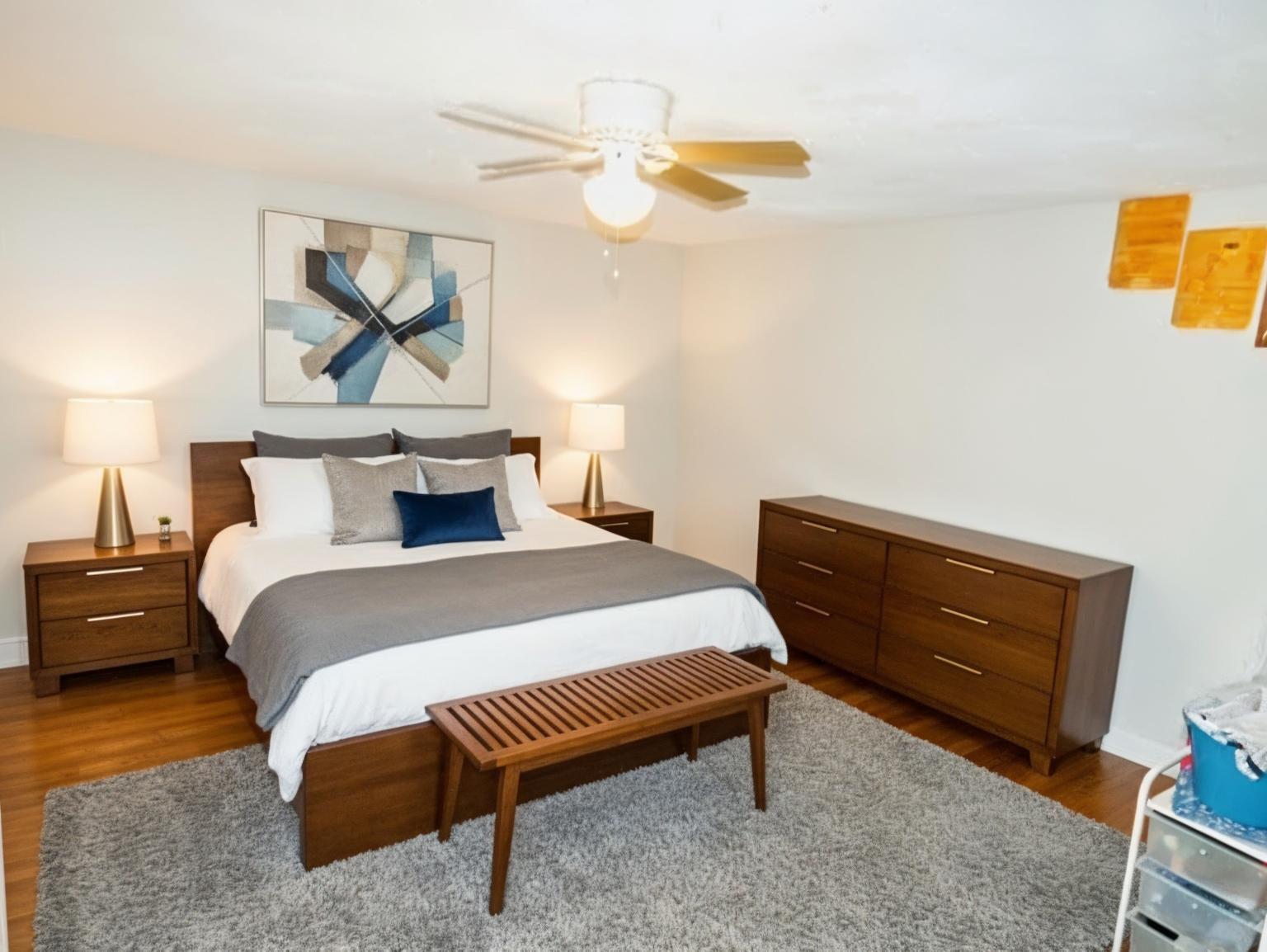
Choosing an AI virtual staging platform is harder than it should be. Every tool promises "photorealistic results in seconds" — but once you're staging real listings with real deadlines, the differences become obvious.
I'm a licensed real estate agent in MA, RI, and GA who founded RealEstateMU.com (a real estate education platform) and built AI.RealEstateMU.com specifically for agents. This comparison is from the agent's perspective — not a marketing team's.
What Actually Matters to Agents
After staging hundreds of properties and talking to agents across three states, here's what I've learned matters most — in order:
1. Image Quality (Does It Look Real?)
The #1 question buyers' agents ask: "Is this staged or real?" If they can tell immediately, the staging hurts more than it helps.
What to test:
- Upload a photo with challenging lighting (dark room, mixed light)
- Stage a room with visible architecture (fireplace, bay window)
- Check if furniture respects the room's perspective and shadows
Red flags:
- Furniture floating above the floor
- Shadows going the wrong direction
- Furniture clipping through walls or windows
- Unrealistic scale (oversized sofa in a small room)
Most platforms handle simple, well-lit empty rooms well. The difference shows in challenging photos — the ones you actually need to stage.
2. Compliance Features (Will My MLS Accept This?)
This is where most platforms fail agents completely. NAR guidelines and many MLSs require clear disclosure of digitally altered photos. Some states have specific regulations.
What to look for:
- AI disclosure badge or watermark options
- Fair Housing compliance check on listing descriptions
- Guidance on state-specific disclosure requirements
Why this matters: Using undisclosed AI-staged photos can result in MLS violations, license complaints, and — in worst cases — Fair Housing issues if staging adds protected-class signals.
If your platform doesn't even mention compliance, that tells you who built it (not agents).
3. Beyond Basic Staging (What Else Can It Do?)
Modern agents need more than just "add furniture to an empty room." Real workflow looks like this:
- Occupied room → clear the seller's stuff → stage with neutral furniture
- Outdated kitchen → show a remodel visualization for seller consultations
- Bad exterior photo → replace the sky for golden hour lighting
- Wall color → show paint options without repainting
- Write the listing → generate description + social posts + market report
Platforms that only do basic staging force you to use 3–4 different tools. That's 3–4 logins, 3–4 subscriptions, and 3–4 learning curves.
4. Pricing Flexibility
Real estate is seasonal. You might stage 50 images in spring and 5 in January. A pricing model that charges the same every month doesn't match the business.
What to look for:
- Can you scale up/down without penalty?
- Do unused credits roll over or expire?
- Is there a pay-as-you-go option for slow months?
- Are text tools (descriptions, social posts) included or extra?
5. Speed and Reliability
When you need a staged photo for a listing going live at 9 AM, "results in 24–48 hours" doesn't work.
AI staging should be measured in seconds, not hours. But speed means nothing if the platform is down when you need it. Look for uptime guarantees and status pages.
Platform Categories
Based on my testing, AI staging platforms fall into three categories:
Pure AI Platforms
Fully automated — upload a photo, choose a style, get results. Fast (10–60 seconds), affordable ($1–5/image), but quality varies.
Best for: High volume, budget-conscious agents who can accept occasional re-dos.
Hybrid Platforms (AI + Human)
AI generates a base, then a human designer refines it. Higher quality, but slower (24–48 hours) and more expensive ($16–50/image).
Best for: Luxury listings where every detail matters and timeline allows it.
All-in-One Platforms
Combine staging with other tools: descriptions, social posts, compliance checks, renovation visualization. May not be the best at any single feature, but eliminate the need for multiple subscriptions.
Best for: Solo agents and small teams who want one tool for everything.
How to Evaluate a Platform (My Testing Checklist)
Before committing to any platform, run this test:
-
Upload the same 3 photos to each platform you're considering
- One empty room (easy test)
- One occupied/cluttered room (hard test)
- One challenging lighting situation (real-world test)
-
Compare results side by side on a monitor (not your phone)
-
Check the fine print:
- What happens to failed/bad results? Do you get a credit back?
- Can you download full resolution without extra cost?
- Are there per-download fees hidden in the pricing?
-
Test compliance features:
- Can you add AI disclosure to the image?
- Does the platform provide disclosure language?
- Is there a Fair Housing check for descriptions?
-
Calculate your real cost:
- Your actual monthly staging volume × per-image cost
- Add text tools cost if not included
- Factor in the time value of a simpler workflow
The Agent's Perspective
I built RealEstateMU.AI because the tools I was using didn't understand how agents actually work. Most virtual staging platforms are built by tech companies, not real estate professionals.
Here's what that means in practice:
- Tech company approach: "Here's a staging tool. Figure out compliance yourself."
- Agent-built approach: "Here's staging + compliance checks + disclosure guidance + description generator + social posts — because that's what you need to take a listing from photos to published."
The best platform is the one that fits your workflow, your volume, and your compliance requirements. Don't let marketing copy make that decision for you — test with your own photos.
Want to test our platform? Try all photo tools free — 5 credits, no credit card required. Stage a room, redesign a space, or remodel a kitchen. See the quality for yourself.
Frequently Asked Questions
Which AI virtual staging platform has the best quality? Quality varies by photo type. For standard empty rooms, most platforms produce similar results. The difference shows in occupied rooms, challenging lighting, and architectural details. Always test with your own photos.
Is AI virtual staging legal? Yes, AI virtual staging is legal in all US states. However, most MLSs and NAR require disclosure that images have been digitally altered. Failing to disclose can result in MLS violations and potential license complaints.
How fast is AI virtual staging? Pure AI platforms generate results in 10–60 seconds. Hybrid (AI + human) platforms take 24–48 hours. For most listing workflows, AI-only speed is sufficient.
Can AI virtual staging handle occupied rooms? Yes, but with caveats. The best approach is a two-step process: clear the room first, then stage. Single-step staging over existing furniture produces inconsistent results on most platforms.
Fab
Founder & Licensed Real Estate Agent
Founder of RealEstateMU.com and AI.RealEstateMU.com. Licensed real estate agent in MA, RI & GA with expertise in real estate technology and AI-powered marketing tools.